Authentication retirements
Integrations still logging in with flows Salesforce is switching off, such as the OAuth
username-password flow and SOAP API login(), grouped by app and user.
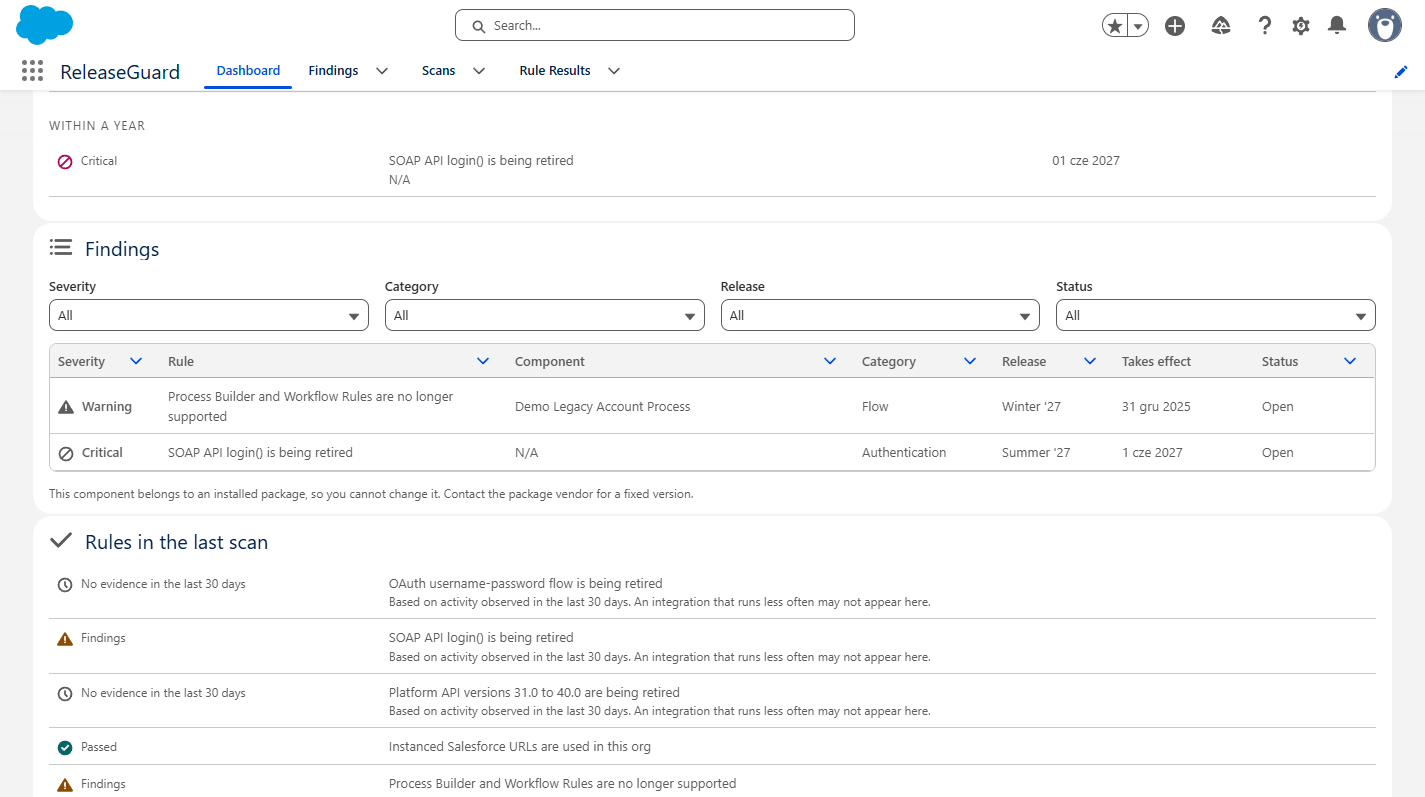
ReleaseGuard checks your org against a curated catalog of documented Salesforce retirements, deprecations and enforcements, and turns each one into findings with evidence, the enforcement date and the steps to fix it.
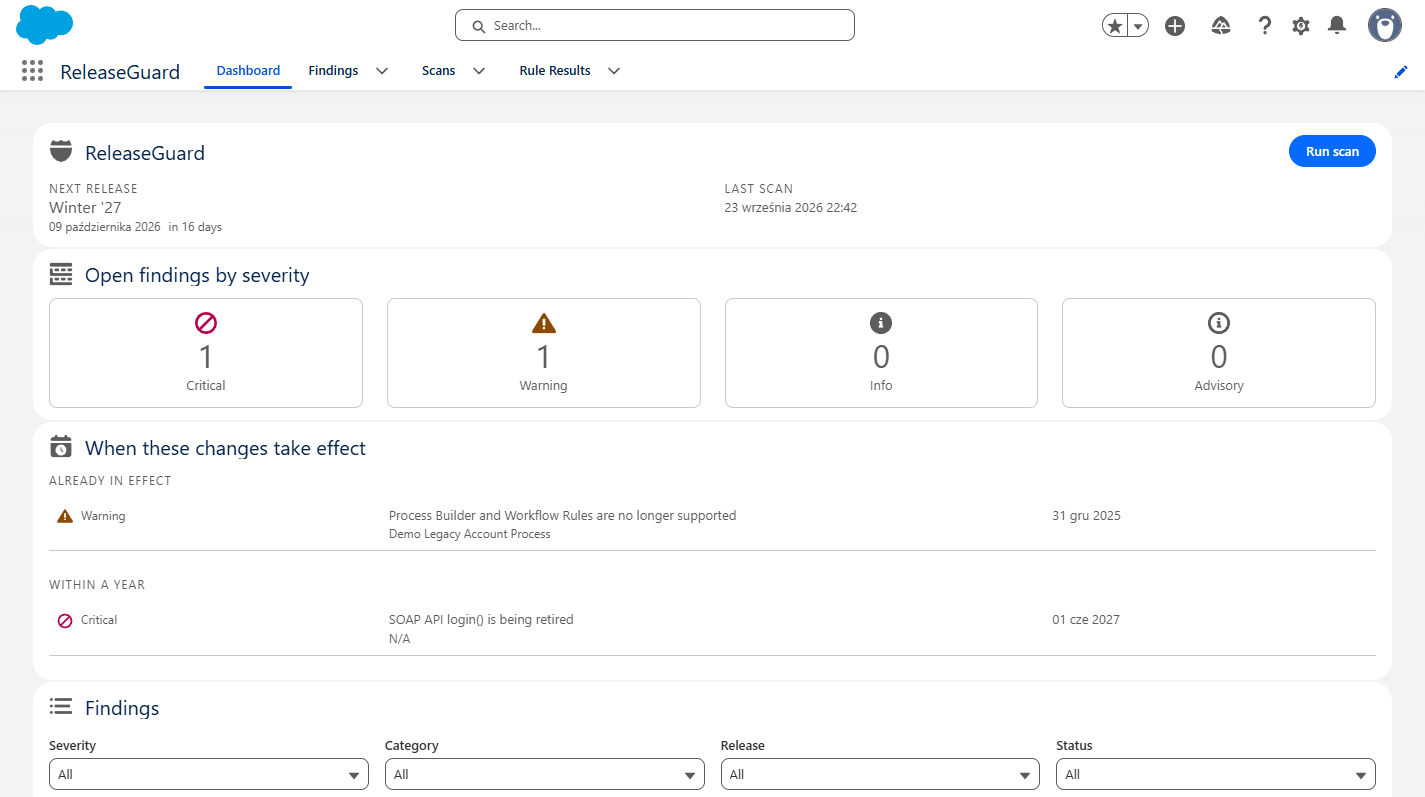
Every rule is backed by a documented Salesforce platform change with a source link. No generic code-quality scores, no health-check noise — only what has a date attached.
Integrations still logging in with flows Salesforce is switching off, such as the OAuth
username-password flow and SOAP API login(), grouped by app and user.
Traffic on API versions that are being retired, and components that have fallen far behind the current release.
Instanced hostnames in Apex, Visualforce, Named Credentials, CSP Trusted Sites and Remote Site Settings that stop resolving when Salesforce enforces My Domain URLs.
Active Process Builder processes and Workflow Rules that keep running without support or bug fixes, ready for migration to Flow.
A managed package installed into your org. Assign the ReleaseGuard permission set to the people who run scans.
The scan runs in the background inside your org and reads only configuration and usage data the rules need.
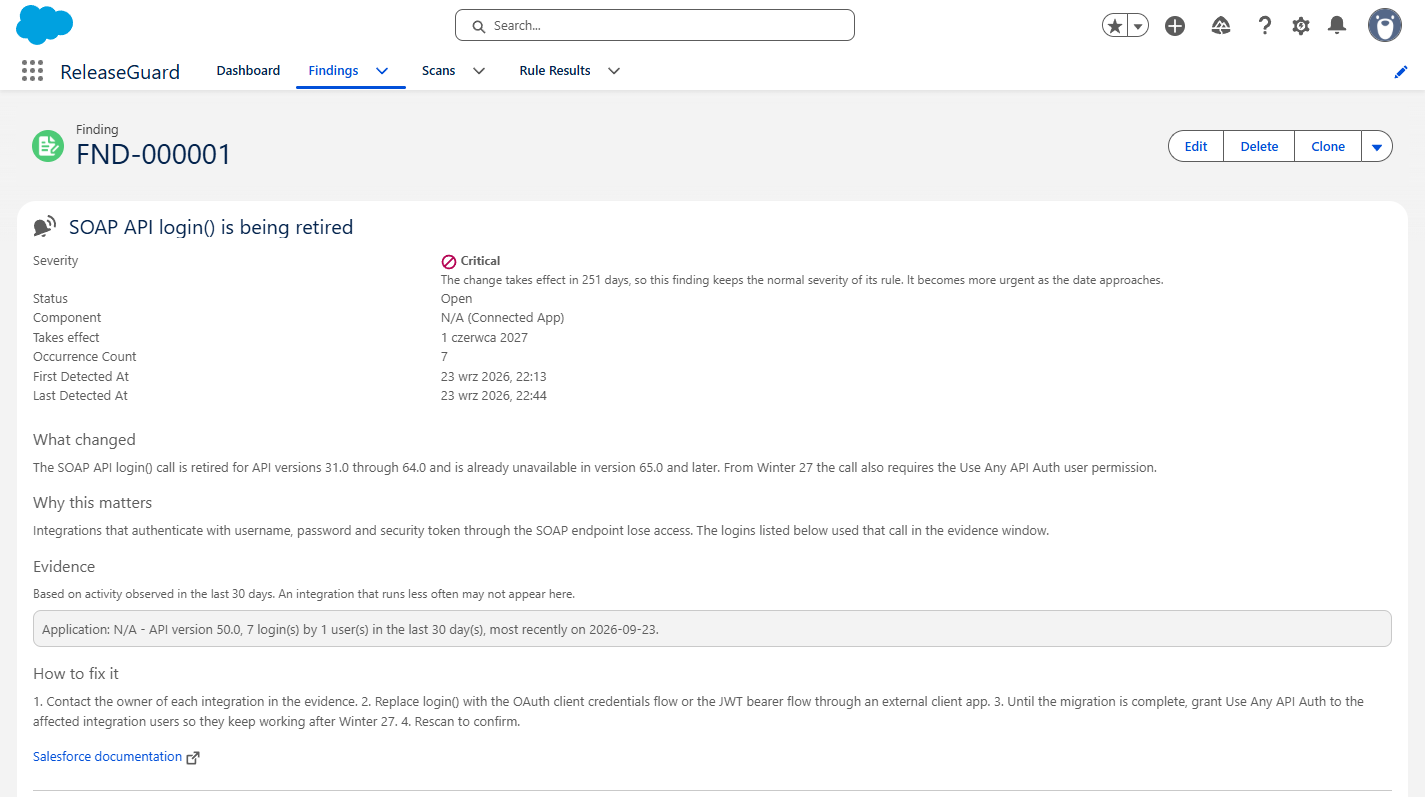
Each finding names the component, shows the evidence and the enforcement date, and links to the official Salesforce documentation.
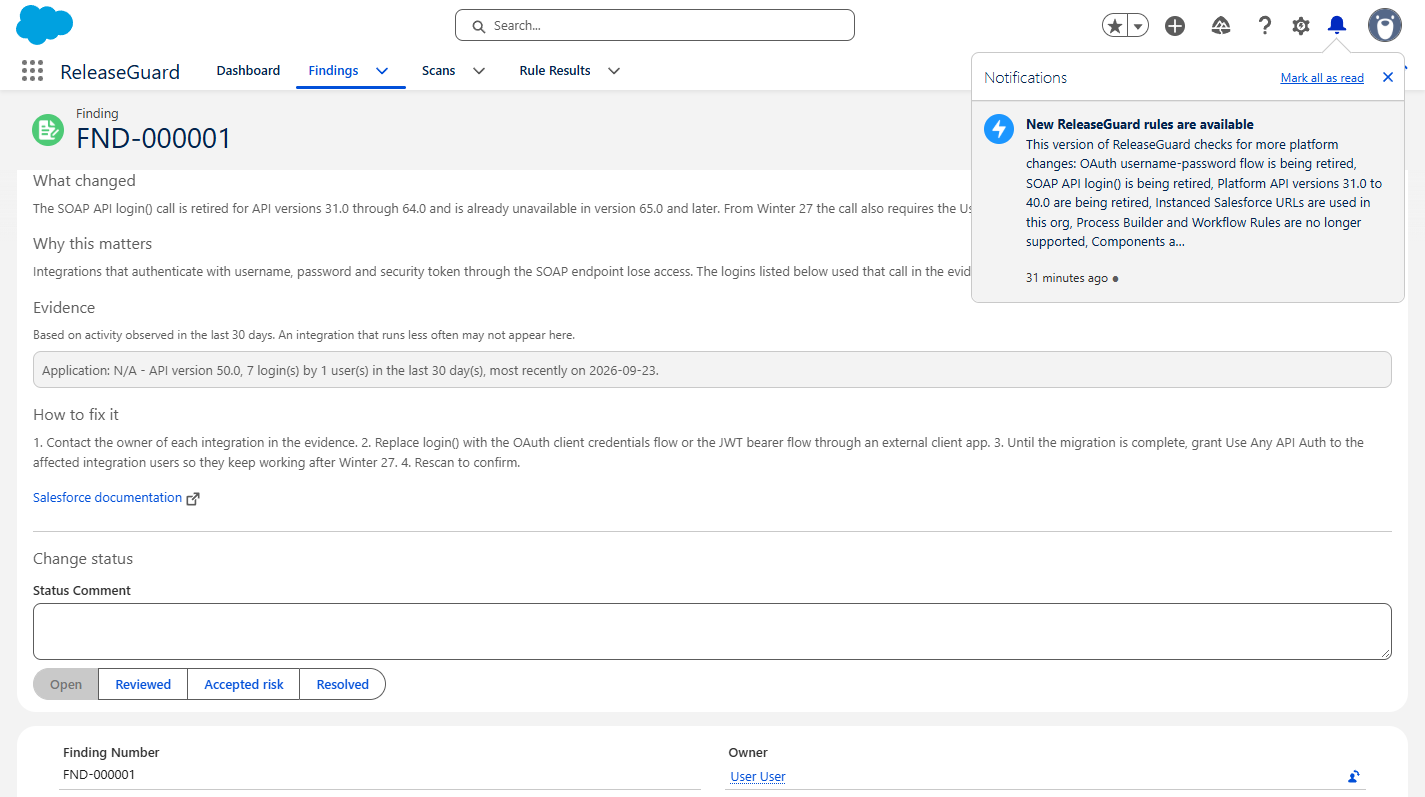
New rules arrive with package updates. Fixed issues close automatically when the rule checked them successfully.
A tool that says "passed" when it could not look is worse than no tool. Every rule ends in one of five clear outcomes:
Rules based on activity, such as login history, report "no evidence in the last N days" rather than "passed", because a quiet month is not proof.
One list of what needs attention before each release, with dates, instead of reading hundreds of pages of release notes.
The exact class, endpoint or process to change, and the documentation for the change.
A repeatable release-readiness check for the client orgs you look after.